





How To Use Cruise Control In A Chrysler Car
A Comprehensive Guide: How to Use Cruise Control in Chrysler Cars
Cruise control is a convenient feature in many Chrysler vehicles that enhances driving comfort, particularly on long highway trips. This guide will walk you through the steps to effectively use cruise control in your Chrysler car, ensuring a smooth and safe driving experience.
What is Cruise Control?
Cruise control is a system that automatically controls the speed of your vehicle. It allows you to maintain a steady speed without keeping your foot on the accelerator pedal, reducing fatigue and improving fuel efficiency on long drives.
Activating Cruise Control in Your Chrysler
Start Your Engine: Ensure your Chrysler vehicle is running and you've reached the desired speed on a suitable road, typically above 25 mph.
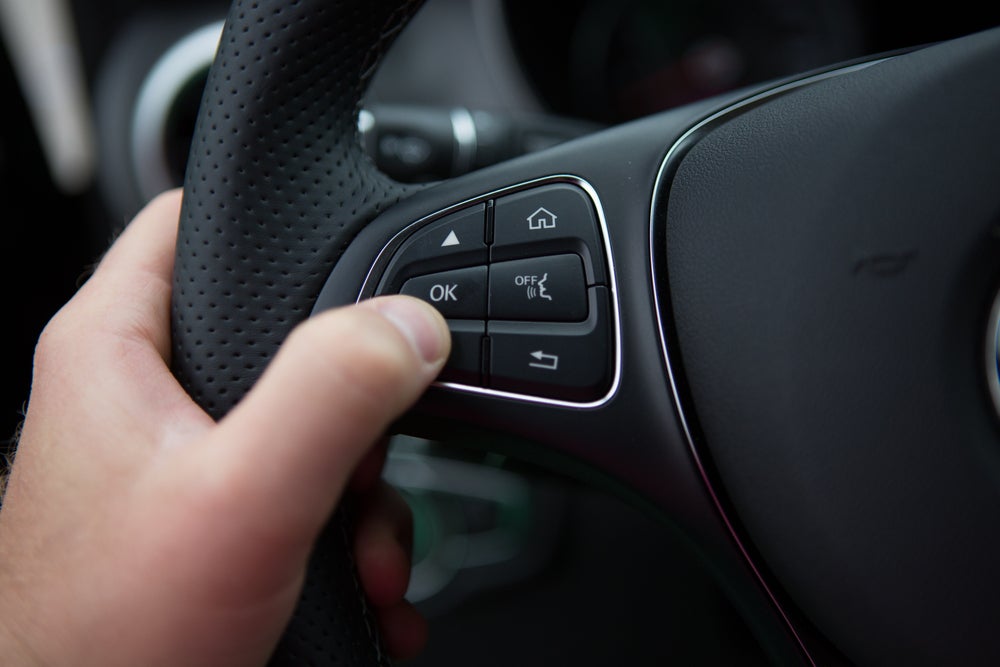
Locate the Cruise Control Buttons: These are usually found on the steering wheel or the steering column. Look for buttons labeled with terms like ‘Cruise,’ ‘ON/OFF,’ or symbols such as a speedometer.
Turn On Cruise Control: Press the ‘ON’ button to activate the cruise control system. An indicator light will usually appear on the dashboard, signaling that the system is ready to be set.
Set Your Speed: Once you’re at your desired speed, press the ‘SET’ button. This will maintain your current speed. Release the accelerator pedal to allow the system to take over.
Adjusting Your Speed
Increase Speed: Tap the ‘+’ button or ‘RES/ACC’ button to gradually accelerate. Hold the button if you want to increase the speed more rapidly.
Decrease Speed: Tap the ‘-’ or ‘COAST’ button to slow down your car. Each tap usually decreases your speed by around 1 mph.
Deactivating Cruise Control
Manual Override: Simply press the brake pedal or the ‘CANCEL’ button. This will disengage cruise control but keep the system on standby.
Turn Off Completely: Press the ‘OFF’ button to deactivate the system entirely. This is useful when you’re exiting the highway or anticipate frequent speed changes.
Safety Tips for Using Cruise Control
Stay Alert: Always remain attentive, even when cruise control is active. It’s crucial for responding to unexpected road conditions.
Suitable Conditions: Use cruise control primarily on open highways. Avoid using it in heavy traffic, on winding roads, or in adverse weather conditions where control is paramount.
Speed Adjustments: Regularly check your speed, especially when going downhill, as cruise control might not automatically adjust to prevent exceeding speed limits.
Troubleshooting Common Issues
Unresponsive System: If cruise control doesn’t activate, check for any dashboard warning lights. This might indicate an issue with the system or related components.
Speed Fluctuations: If your Chrysler experiences unusual speed changes, disengage the system and consult your manual or a professional for advice.
Conclusion
Using cruise control in your Chrysler can greatly enhance your driving experience by providing comfort and efficiency on long journeys. By following this guide, you can confidently activate, adjust, and manage cruise control, ensuring both safety and convenience. Remember to always be attentive and ready to take control of your vehicle whenever necessary. Enjoy the ease of modern driving with Chrysler's cruise control features!